Convert 56 MB to GB
"Megabytes to Gigabytes (MB to GB)" Calculator
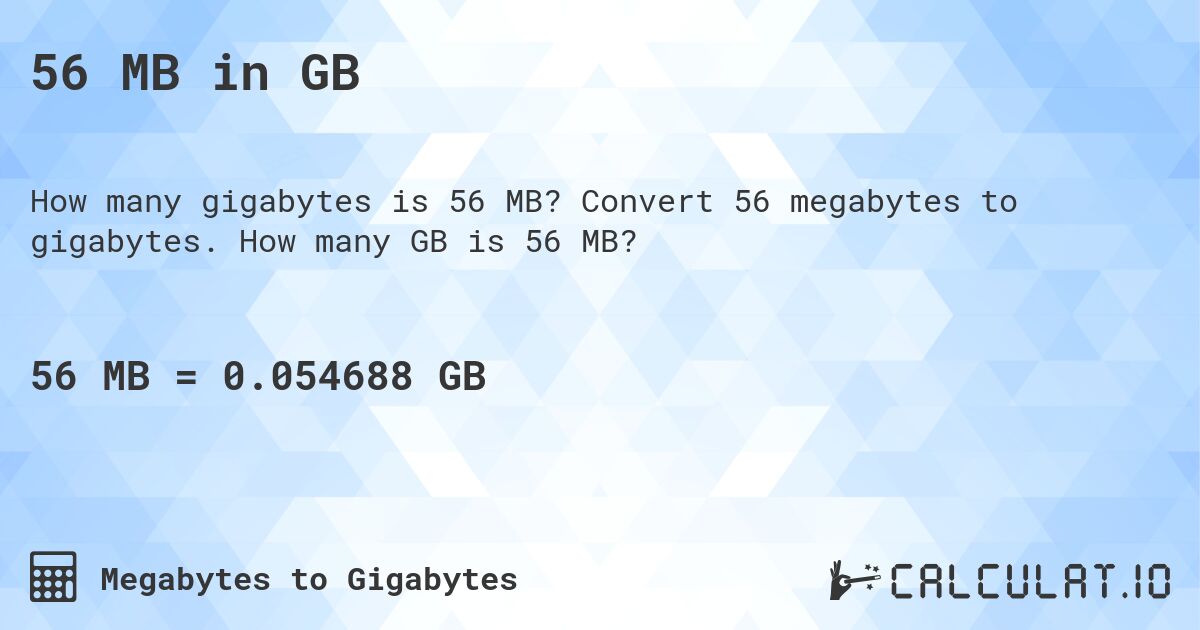
How many gigabytes is 56 MB?
Answer
56 MB ≈ 0.0547 GB
Binary units: 1 GB = 1,024 MB — as Windows and RAM count. In decimal (SI) units, as on drive packaging: 56 MB = 0.056 GB.
56 MB ÷ 1,024 ≈ 0.0547 GB
Found an error in the calculation or the information?
See Also
- Bytes to Kilobytes - Convert Bytes to Kilobytes
- Kilobytes to Bytes - Convert Kilobytes to Bytes
- Kilobytes to Megabytes (KB to MB) - Convert Kilobytes to Megabytes
- Megabytes to Kilobytes (MB to KB) - Convert Megabytes to Kilobytes
- Gigabytes to Megabytes (GB to MB) - Convert Gigabytes to Megabytes
- Gigabytes to Terabytes - Convert Gigabytes to Terabytes
- Terabytes to Gigabytes - Convert Terabytes to Gigabytes
Share This Calculation
Print
 <a href="https://calculat.io/en/number/mb-to-gb/56-mb">56 MB in GB - Calculatio</a>
Facebook
Twitter
Telegram
WhatsApp
Viber
Email
Megabytes to Gigabytes Conversion Table
| Megabytes | Gigabytes |
|---|---|
| 37 MB | 0.0361 GB |
| 38 MB | 0.0371 GB |
| 39 MB | 0.0381 GB |
| 40 MB | 0.0391 GB |
| 41 MB | 0.04 GB |
| 42 MB | 0.041 GB |
| 43 MB | 0.042 GB |
| 44 MB | 0.043 GB |
| 45 MB | 0.0439 GB |
| 46 MB | 0.0449 GB |
| 50 MB | 0.0488 GB |
| 51 MB | 0.0498 GB |
| 53 MB | 0.0518 GB |
| 54 MB | 0.0527 GB |
| 55 MB | 0.0537 GB |
| 56 MB | 0.0547 GB |
| 57 MB | 0.0557 GB |
| 58 MB | 0.0566 GB |
| 59 MB | 0.0576 GB |
| 60 MB | 0.0586 GB |
| 61 MB | 0.0596 GB |
| 63 MB | 0.0615 GB |
| 64 MB | 0.0625 GB |
| 66 MB | 0.0645 GB |
| 67 MB | 0.0654 GB |
| 68 MB | 0.0664 GB |
| 70 MB | 0.0684 GB |
| 71 MB | 0.0693 GB |
| 72 MB | 0.0703 GB |
| 73 MB | 0.0713 GB |